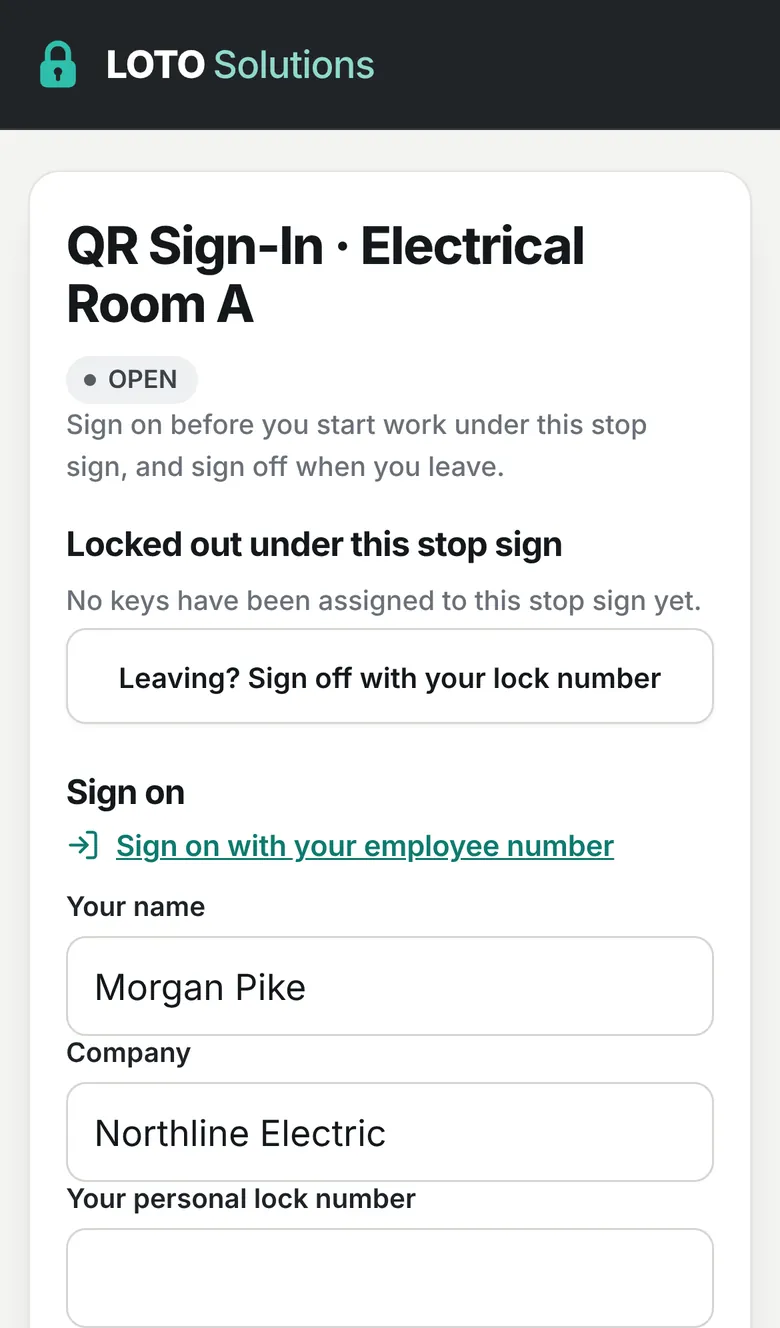
STEP 01
Scan and sign in
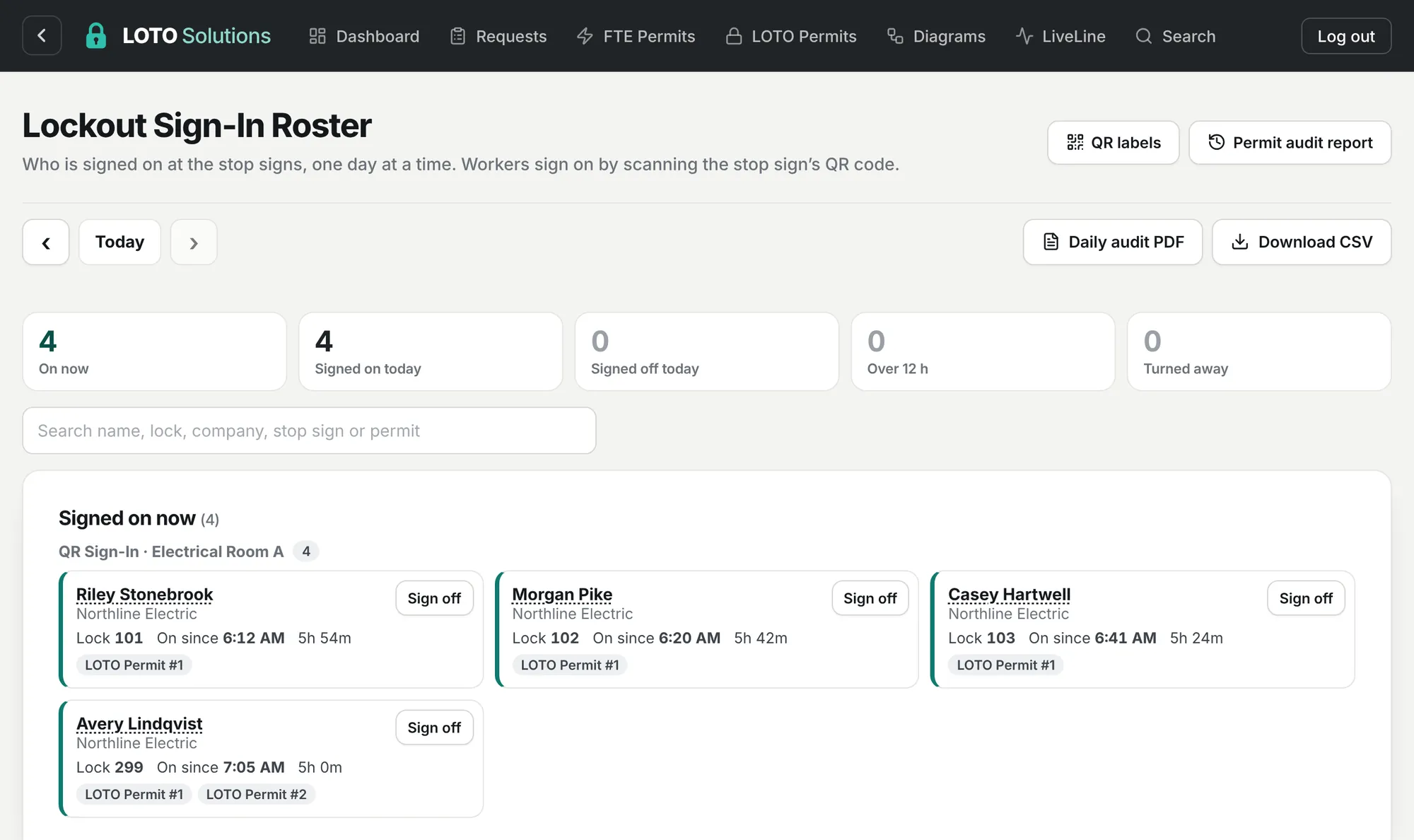
Each crew member scans the posted QR code and signs in digitally with their name, company and personal lock number. Only trained people on an approved permit get through.
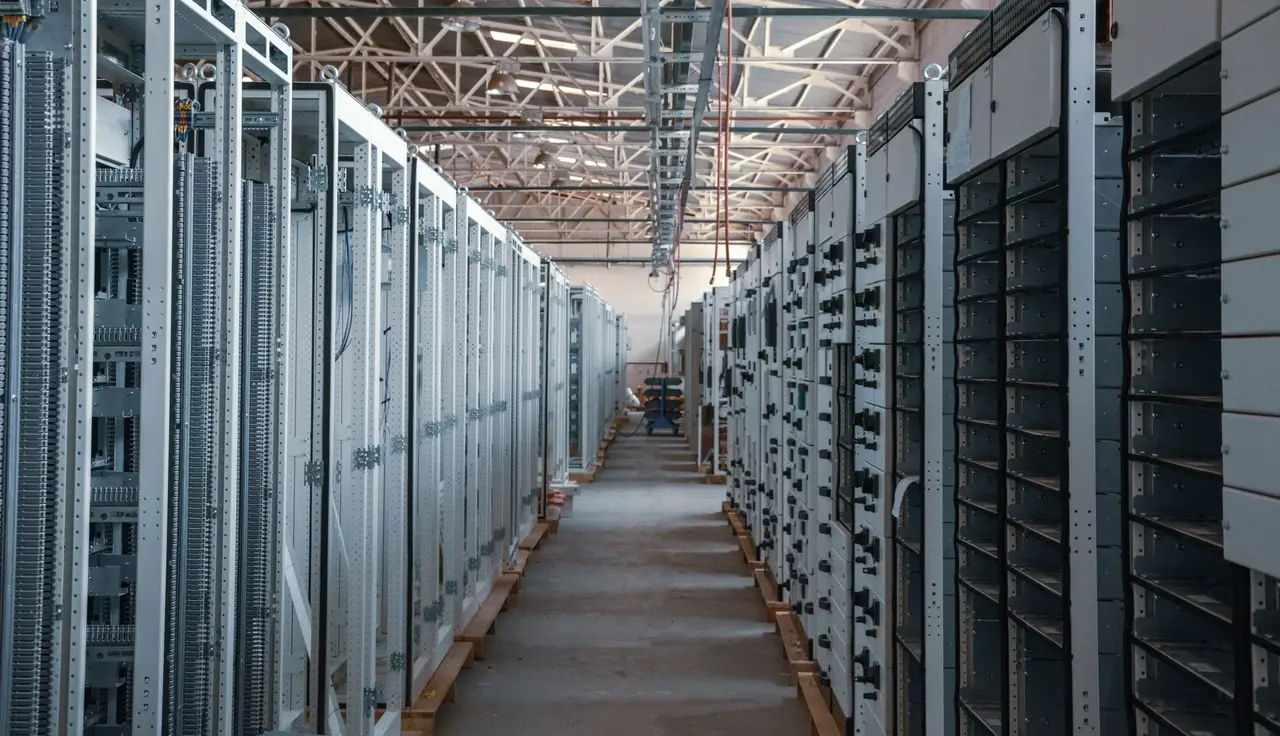
Run energizations and LOTO procedures from the same place: requests, LOTO and energization permits, QR code digital sign-in, key tracking and a live one-line, all connected. Field crews stay updated on every energization from their phones, and supervisors review and sign from anywhere.
On a crew? Scan the QR code posted on site, or find a request you already submitted.
The same three steps on every job, recorded the same way every time.
Each crew member scans the posted QR code and signs in digitally with their name, company and personal lock number. Only trained people on an approved permit get through.
Lockouts are placed on the live one-line, keys go into the group lockbox, and everyone signed in is listed until they sign out with their lock number.
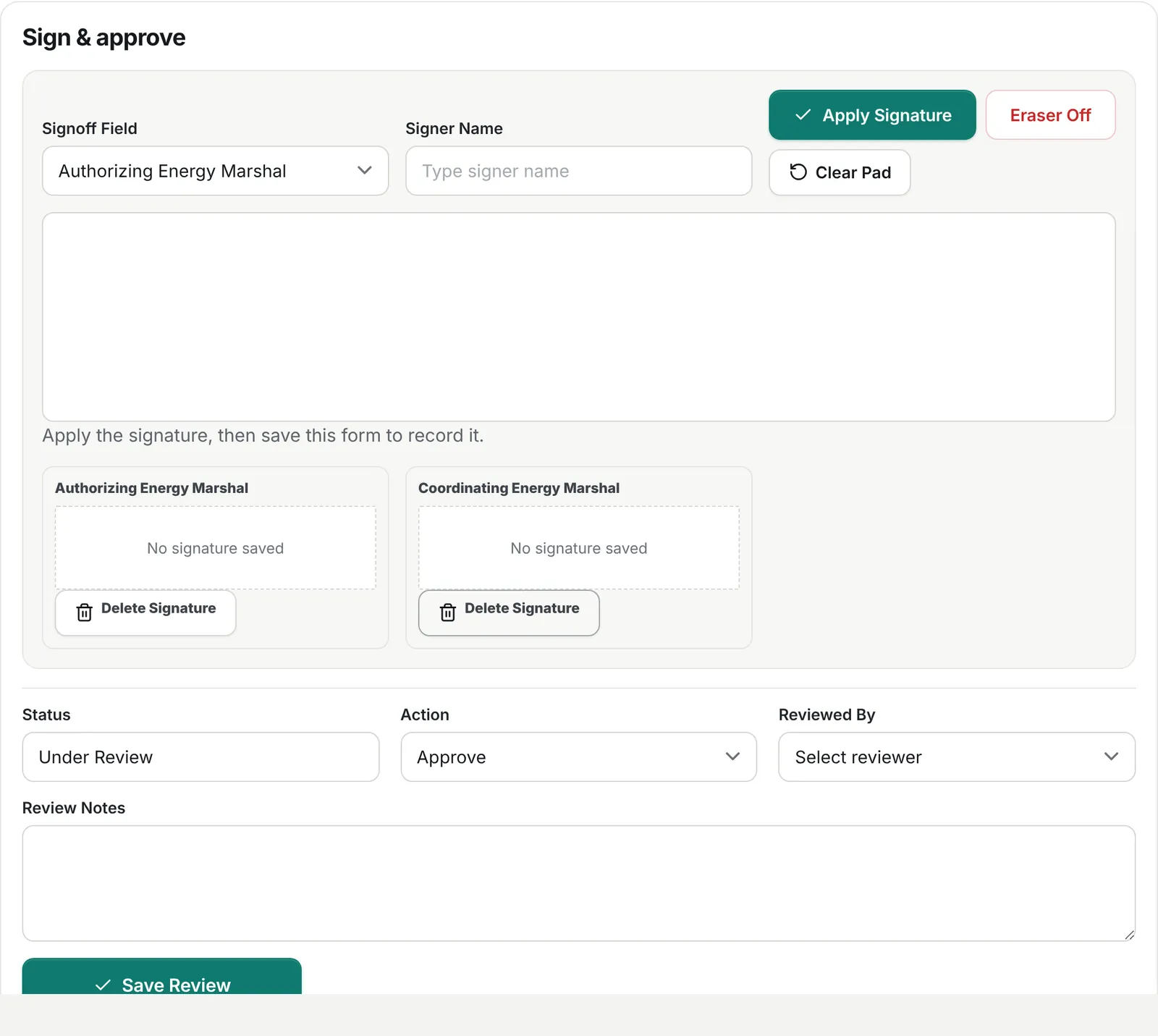
Energy marshals sign on screen and approve in the same place. The finished permit, the daily digital sign-in audit and every change are filed to the job automatically.
Every piece talks to the others. Lock something out and the permit, the one-line and the crew all know. Energize something and everyone sees it.
Crews request, supervisors approve. Lockouts placed on the one-line fill in the permit's isolated equipment automatically.
Step-by-step energizations with checklists and photos. Each piece of equipment you energize updates LiveLine.
Every key in and out of the group lockbox, linked to the lockout and the people signed in under it.
Your one-line as a live model: the single picture of what is energized, isolated and locked out, shared by the office and the field.
Workers sign in under an approved permit with their lock number. Only people with training on file get through.
A view-only QR code shows crews what is live right now, updated with every energization and lockout.
Signed PDFs, daily sign-in audits, training records and a log of every change, filed to the job.
Replace clipboards, shared spreadsheets and email threads with one record that crews and supervisors both trust.
Open the app and see what is waiting on you, who is on site and which permits are ending soon.
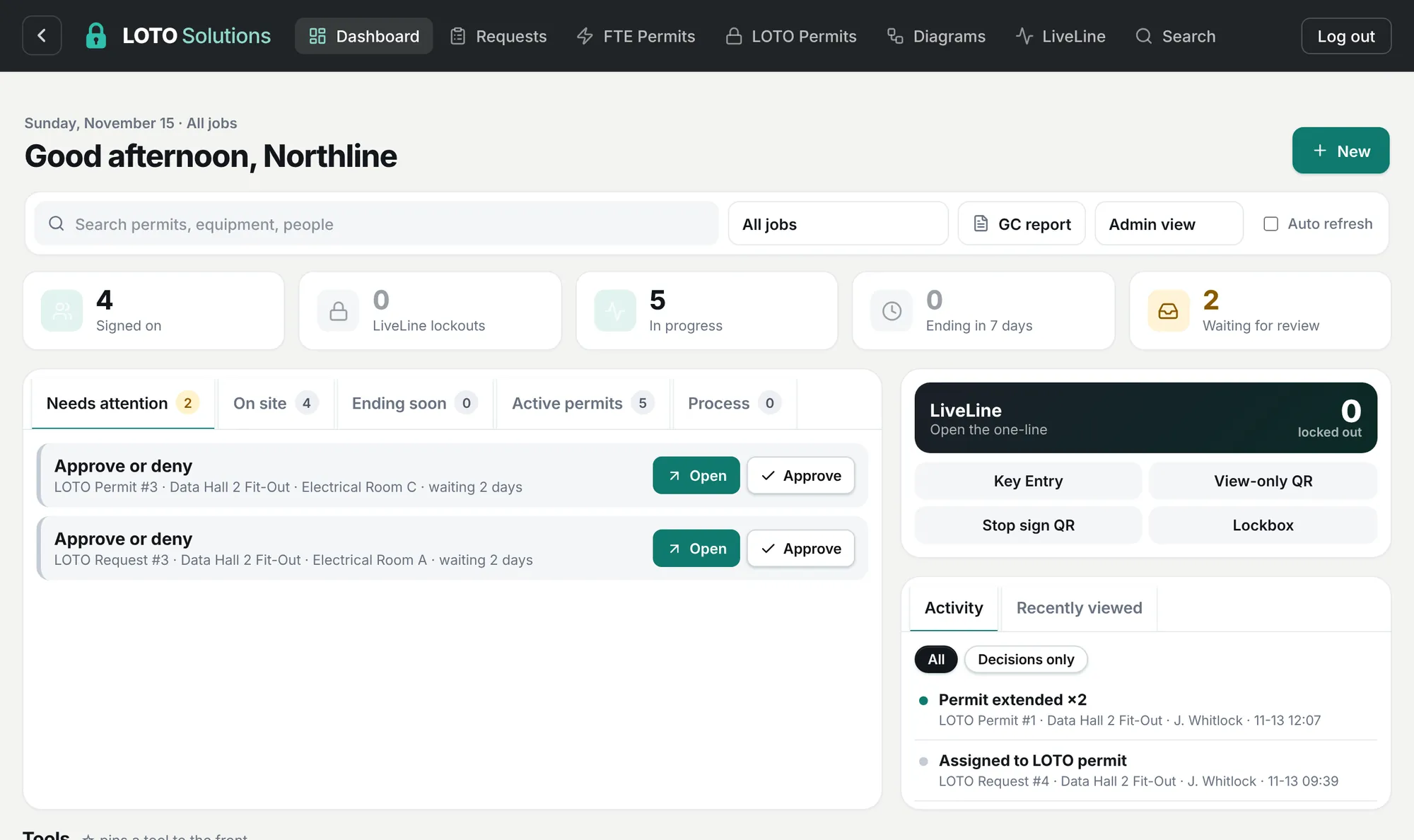
Workers sign in and out by scanning a QR code. No paper sheet, no app. You see it live, one day at a time.
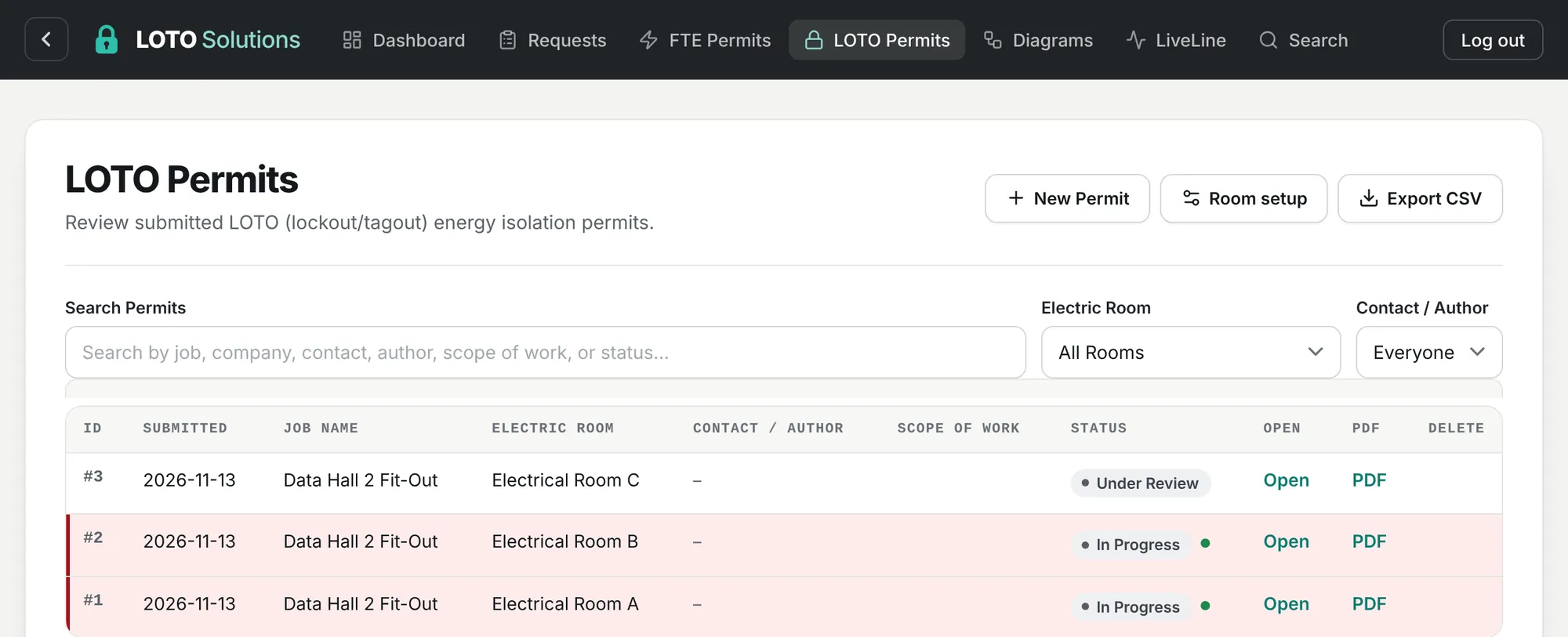
LOTO and energization permits by room and job, with the PDF one click away.
Energy marshals sign on screen, choose the action and save, all in one box at the bottom of the permit.
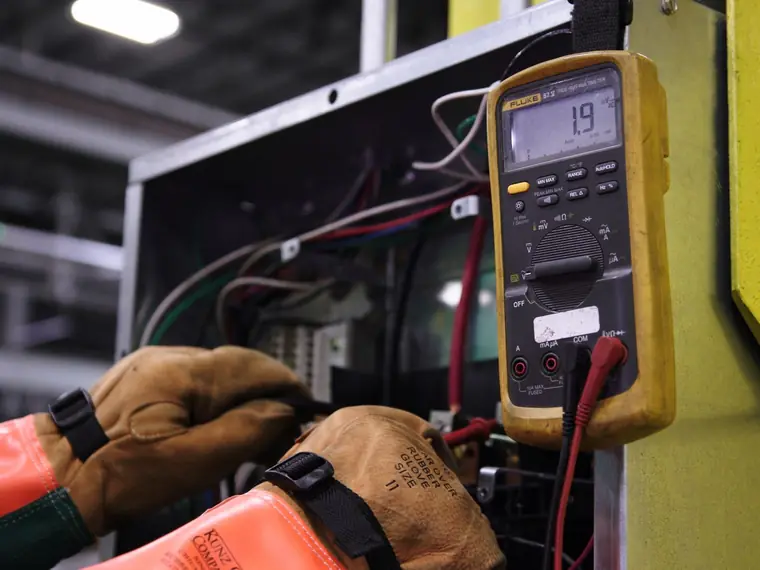
When equipment is energized or locked out, LiveLine updates for everyone. Crews scan the posted view-only QR code to see what is live before they touch anything, and every energization step is recorded with its checklist and photos.
Your one-line becomes a working model. Open, close or lock out a device and the power flow updates across every sheet, so everyone sees what is really energized.
Scan, sign in and submit from the job site. Lost the link? Have it resent to your email and pick up where you left off.
Find my request →Requests, permits, keys and digital sign-ins in one dashboard. Sign, approve and download PDFs without digging through email.
Supervisor log in →The full history of every lockout, permit and sign-in, with training records and daily audits, ready for turnover or inspection.
Request a demo →No. Crews scan the posted QR code and everything runs in the phone's web browser. Only supervisors and managers have logins.
No. Your energy control program and procedures still govern the work. LOTO Solutions is where you carry them out and keep the record: who requested, who approved, who signed in, what was locked out, and when it was released.
Each company has its own account with its own jobs, users and records. Supervisors only see the jobs they are given, and every change is logged with who made it.
Yes. Permits download as signed PDFs, the digital sign-in roster saves a daily audit PDF automatically, and logs export to CSV for any date range.
Request a demo. After a short walkthrough we set up your company and supervisors, you print your QR code labels, and your crews can start right away.
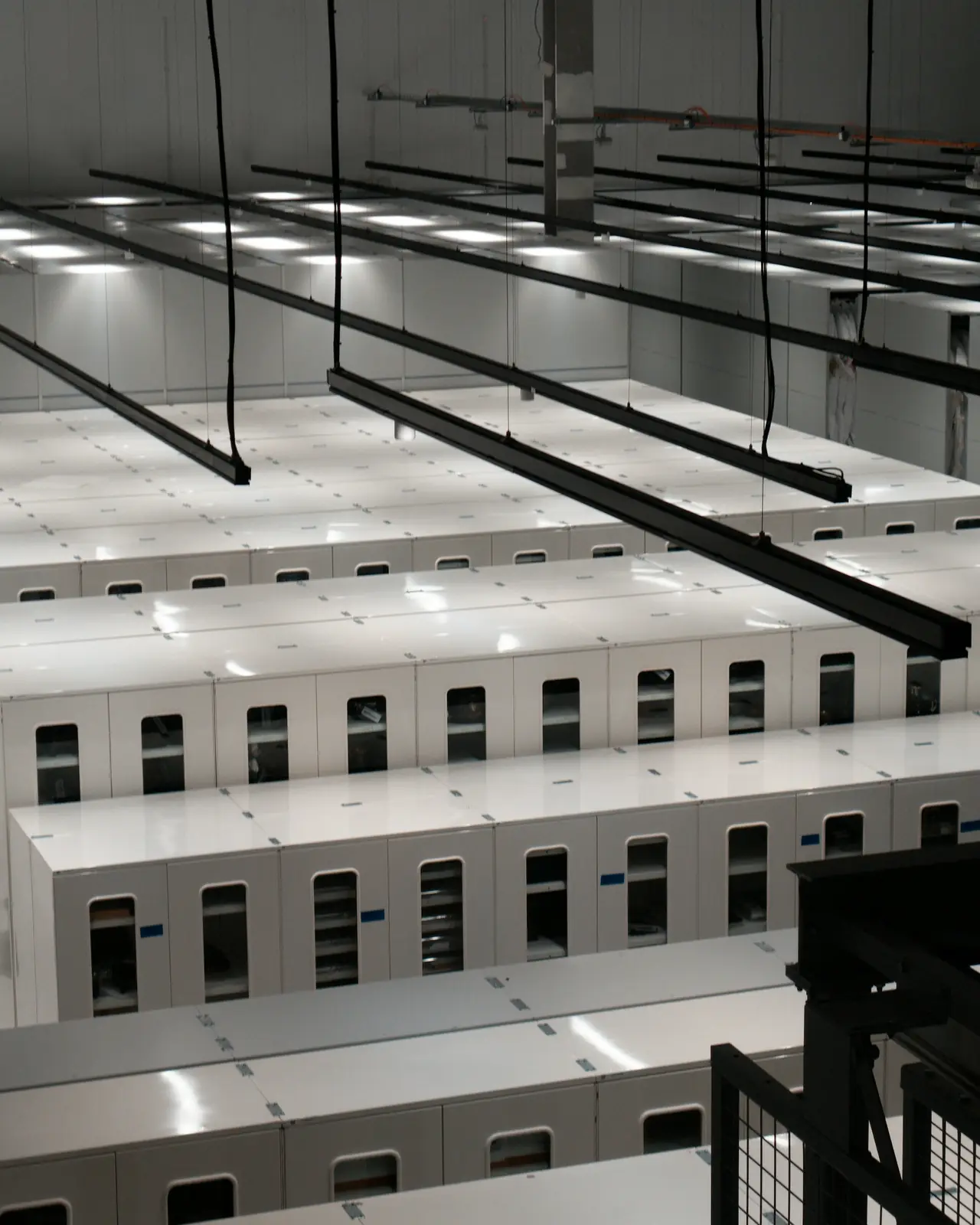
A short walkthrough of LOTO and energization permits, QR code digital sign-in and LiveLine, set up around how your crews already work.